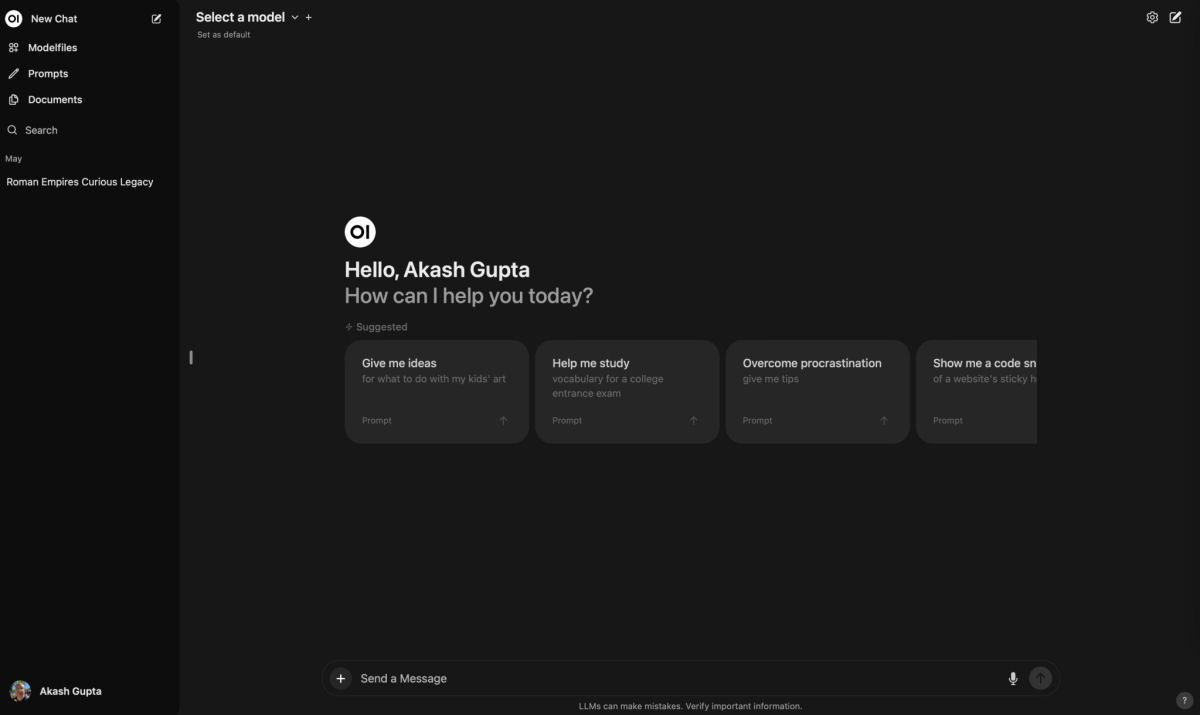
I've been using Pinokio ↗ for a while now. So, I've had plenty of experiences with it, and I also formed an opinion about it. And that's what I felt like sharing with you all. But first, what even is Pinokio?
As you may know, the amount of apps and Gradio tools built around Ai out there, is ridiculously high. You can easily spend many of hours, or days, messing around with Python apps, Docker containers, and virtual environments. And this might be just me, but it's frustrating to find out that a fair number of these, won't initially work for you, because of whatever stupid reason, like version mismatches or incompatible PyTorch releases, or any other thing that can go wrong. Resulting in even more time spent on them, getting them to work for you. I was really fed up with all of this, so I'm very happy that I at some point bumped into Pinokio.
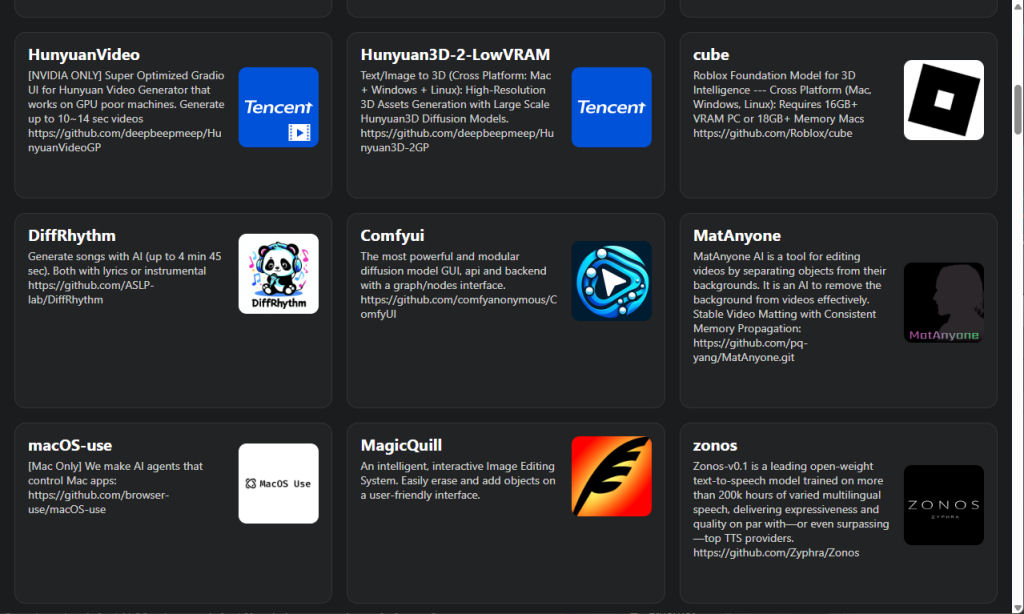
Pinokio is a 100% free, quality of life app, that brings a bunch of interesting AI tools together under one, manageable, roof. It provides a user-friendly way to install and run great apps. You get to choose these from a big collection of apps that are somehow all related to utilizing Ai. This varies from image generation, to face swapping, to coding agents, to music generating, to ComfyUI, to text-to-speech tools (Loads of TTS tools actually), and many, many more. Most of these are used to create cool things. And all of them are totally free! Using Pinokio feels a bit as if you are running your own, free Hugginspace Spaces ↗ environment. This is how the developers described their own app:
Pinokio is a 1-click launcher for any open-source project. Think of it as a terminal application with a user-friendly interface that can programmatically interact with scripts.
- Scripts can run anything: Just like terminal apps can run shell scripts, Pinokio scripts can run any command, download files, and execute them. Essentially, Pinokio is a user-friendly terminal with a UI.
- How scripts can be run: There are two ways to run scripts on Pinokio:
- Write your own: Just like writing and executing shell scripts in the terminal, you can create your own scripts and run them locally.
- Install from the "Discover" page: Vetted scripts are manually listed in the directory, tracked via Git, and frozen under the official GitHub organization. These are guaranteed to be secure and safe to install.
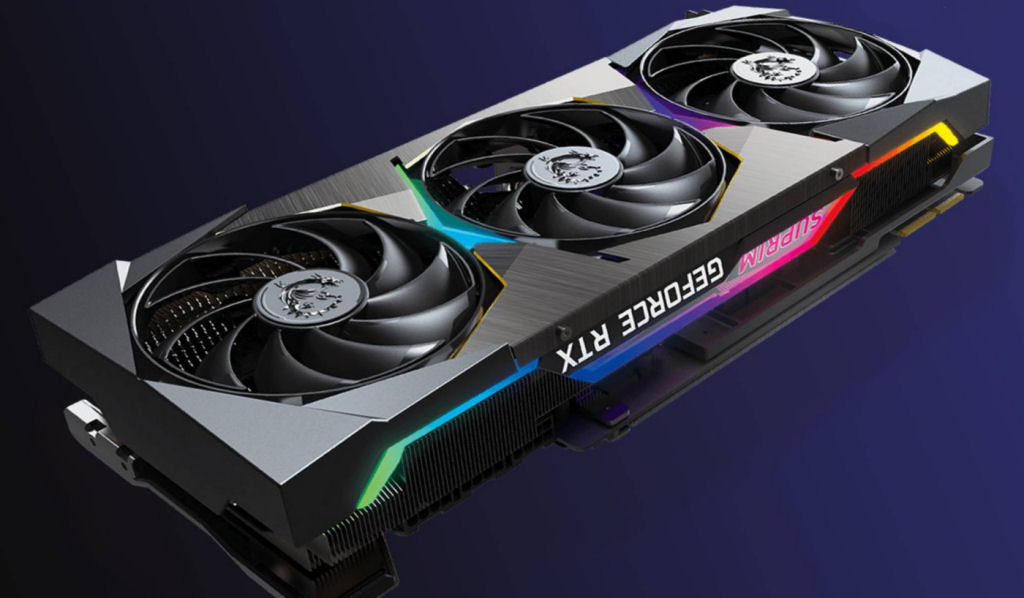
Pinokio itself doesn't have any noteworthy requirements, but the apps it allows you to run, do require certain hardware requirements. You will need an Nvidia Graphics card, preferably, with as much memory as possible. Some apps will run with as little as 8GB VRAM, but most others require at least 12GB VRAM, and for smooth sailing you're better off with more than 12 GB VRAM. Unfortunately for me, I'm still using 12 GB VRAM at the moment. And this allows all the apps to run just fine, but once you actually use these apps, a fair number will run into an Out Of Memory error message halfway through.
You will also need as much RAM as possible, with a minimum of 32GB, I'd say. I'm using 32GB right now, and I often notice that an app, like ComfyUI, will gladly use all the available RAM, maxing it out to 99% usage. Many apps in Pinokio, will use all your VRAM, and once it can not allocate anymore, it will start consuming your RAM. So, more VRAM is always better, and to compensate low VRAM situation somewhat, more RAM is always better. So, basically: MORE IS ALWAYS BETTER!
This is probably the point where half of the readers will stop reading, since not everybody has the luxury of owning a decent graphics card, unless you're a gamer. But that's ok, this article is written for people who can actually use these Ai apps.
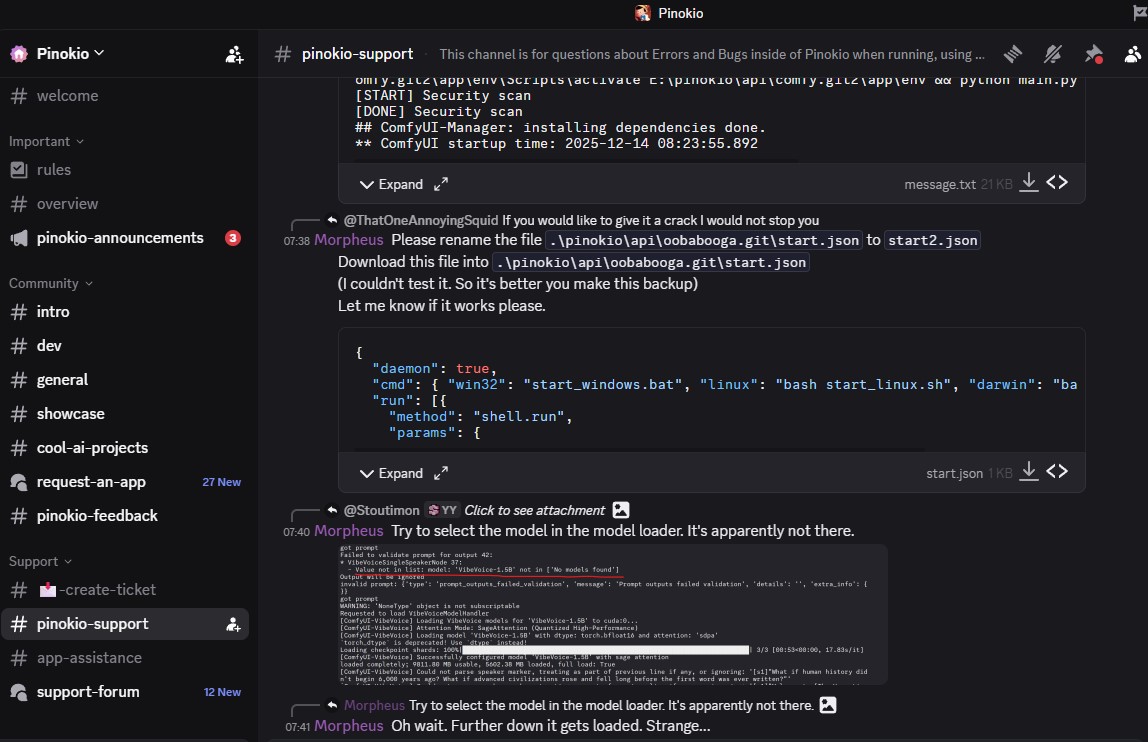
I rather enjoy using Pinokio, because almost every app that you install, will work as intended right from the start. Although I should say that the installation process is rather slow for most apps. But still, it takes less time when compared to you having to go through some readme guide, performing the installation steps manually, and perhaps troubleshoot issues to get it to actually run. I've been testing the majority of apps that Pinokio offers, and I've been comparing them, and the usefulness of these apps can vary quite a bit. By far the most useful for me is ComfyUI, because with the right workflows, you can pretty much do anything with it that all the other apps can do. It's incredibly versatile. More on ComfyUI later on. One thing that I did notice, at some point, was that I was rapidly running out of storage space. I installed Pinokio on a dedicated 2TB drive, and now I have only 90GB left. Windows shows the drive in red, so I should probably do some cleaning up of apps I don't use. Since each app installs in its own virtual environment, I'm pretty sure that many files are stored multiple times but in different folders. It adds up really fast. But, what Pinokio does do great, is share certain folders that contain the really large LLM files amongst different apps. So at least you don't have to keep more than one of each of these huge files. The way it accomplishes this is similar to how virtual symlinked files work on Linux. Still, keep an eye out for how much storage Pinokio consumes. And remember to manually clear the cache folder now and then, which can be done from the options screen in Pinokio. Last time I did this, it freed up 37 gigs. One thing I learned, is that you don't want to mess around too much with these apps, from the terminal window that Pinokio shows for each app. I managed to mess up an app or two, after doing some manual updates or additions. Resulting in version mismatches causing all sorts of errors, and reverting what I had done was not worth the efforts looking back at it. If you do mess up an app, trust me, it's easier to completely remove it and simply re-install it. I did run into some other issues, that I had no idea how to resolve, and I was very pleased to learn that the Pinokio Discord ↗ had all the answers for me. All I had to do was do a search in the support thread, and there would always be somebody who ran into the same issue before me, and through the excellent responses by the devs, I was able to quickly get rid of my issues. The fact that the Pinokio community on Discord is super active and talkative, is a very big reason why I enjoy using it. There's not an issue that they can't resolve.
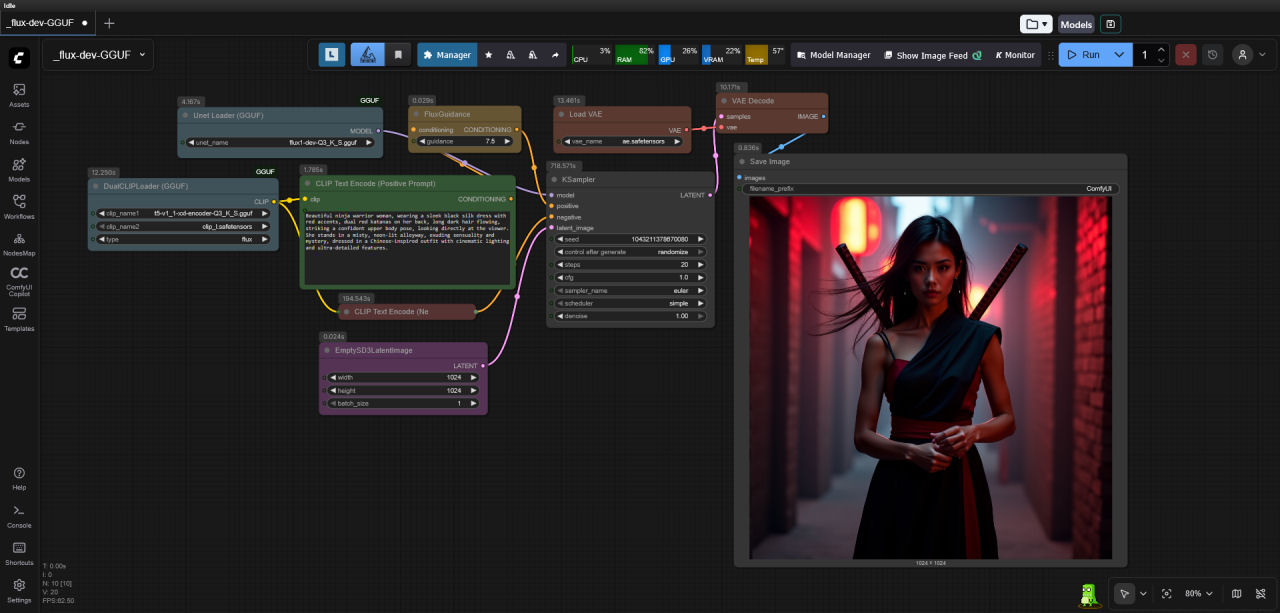
Like I mentioned earlier, ComfyUI is the most versatile app on Pinokio. And while you can easily run ComfyUI manually on your machine, or in Docker, I prefer running it in Pinokio. I'll tell you why. I ran ComfyUI manually before, as standalone, and also in a Docker container. It ran fine, at first. But once I've been using it for a while, trying out different workflows, and importing all sorts of custom nodes, at some point, the custom nodes would start conflicting with each other. Causing a lot of hassle for me, because it required me to look into the errors, manually restarting the app over and over, remove certain custom nodes, resulting in defective workflows. All in all, I spent too much time fiddling around with the installation. What Pinokio does so wonderfully is, take care of all the custom nodes, and updating everything is a breeze as well. And, what I also mentioned earlier, is that when you do run into any problems, there will be a solution on the community Discord, because you are using it from Pinokio.
I most certainly recommend Pinokio to everybody who is eager to discover the possibilities of using Ai models. I know that this sounds contradict, but I believe that it can be some sort of creative outlet, even though you are using Ai to do the hard work. Remember that you are the one who comes up with the input and the ideas for the end results, so learning these tools, and how to utilize them to their fullest, is definitely a path worth taking. I'm certain that mastering these skills will be a useful, and fun addition to your tool-belt. It won't cost you a dime, so why not go ahead! -> https://pinokio.co ↗